TunePixel Studio

Start your free pilot

Your car, all the way round.

360° spins: a 15-second turntable video of your car, made with TunePixel AI from its studio images, checked by a person and marked as AI.
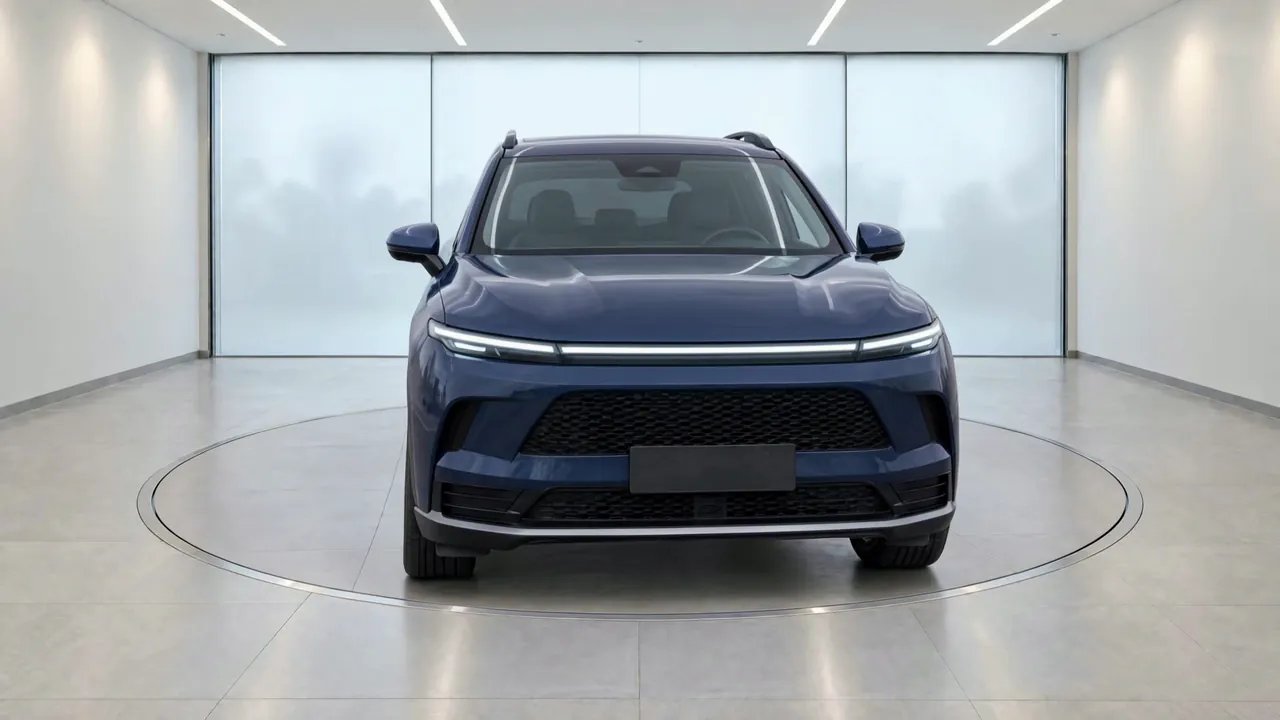
The fictional dark blue SUV on a turntable in the Glass Bay studio, which you can turn all the way round.
360° view made with TunePixel AI from TunePixel studio images of a fictional sample car.

How a spin is made.

  1. Choose a spin studio.

    Choose the AI studio in White Studio Premium or Glass Bay.

  2. Send four sides or more.

    Send at least four exterior photos, one from the front and one from the rear.

  3. A person checks the set.

    Your car’s studio images are made again from one camera, and a person checks the set.

  4. A person checks the spin.

    TunePixel AI makes the turn between them, and a person checks the video before you get it.

The fictional sapphire-blue SUV on a turntable in White Studio Premium, a curved white studio under a row of lights, front three-quarter view; made in TunePixel AI Studio.
Made in TunePixel AI Studio, White Studio Premium. Checked by a person and not retouched. The lot photo is a sample made with TunePixel AI. A spin is made from your car’s studio images in White Studio Premium or Glass Bay, like this one.

Marked as AI.

Every spin carries a small “AI” mark in its top-right corner, and its poster image is labelled as AI in its file.

How every image is labelled

What a spin is for.

Spins are for your website and social media. A side of the car that no photo shows may be inferred, and a person checks it.
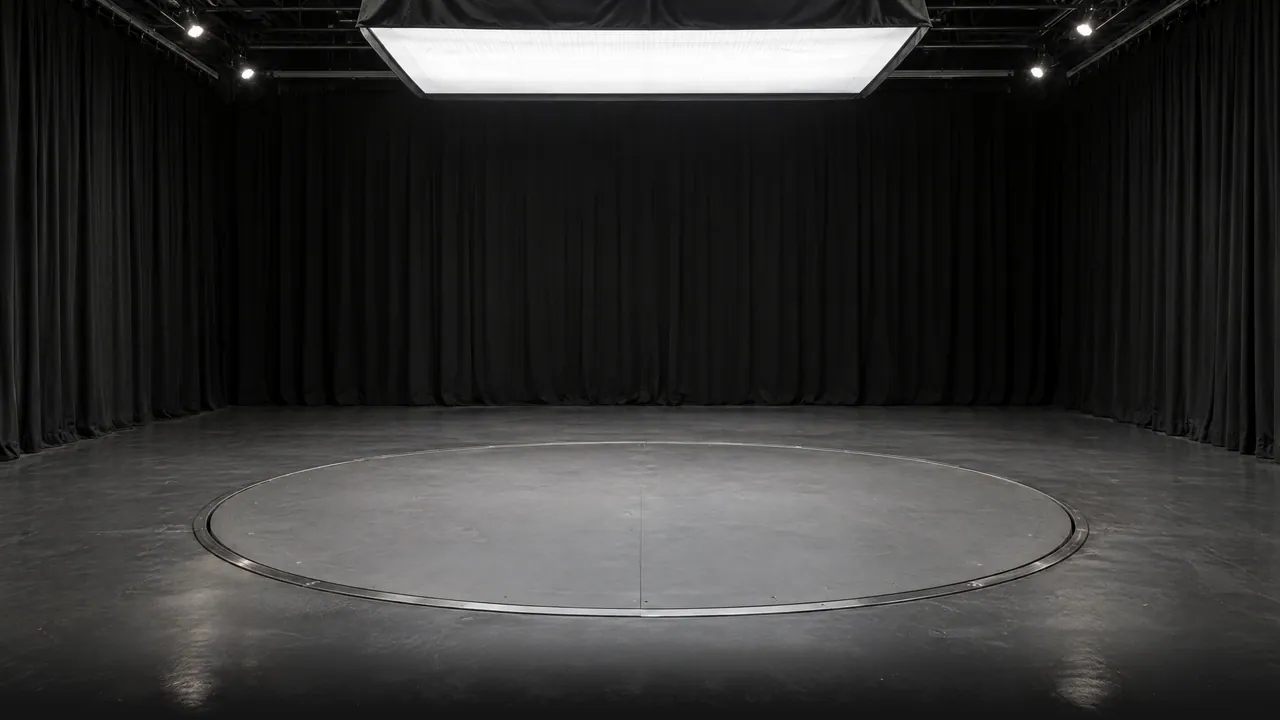
How the AI studio works

An empty studio with black curtains, a large softbox overhead and a turntable set into a grey concrete floor; a studio backdrop made with TunePixel AI.

See your own car all the way round.

Start your free pilot
Empty studio backdrop, made with TunePixel AI.