How a lot photo becomes a studio image.
You upload, a studio makes the image, a person checks it, and it is delivered. Here is each stage in detail.
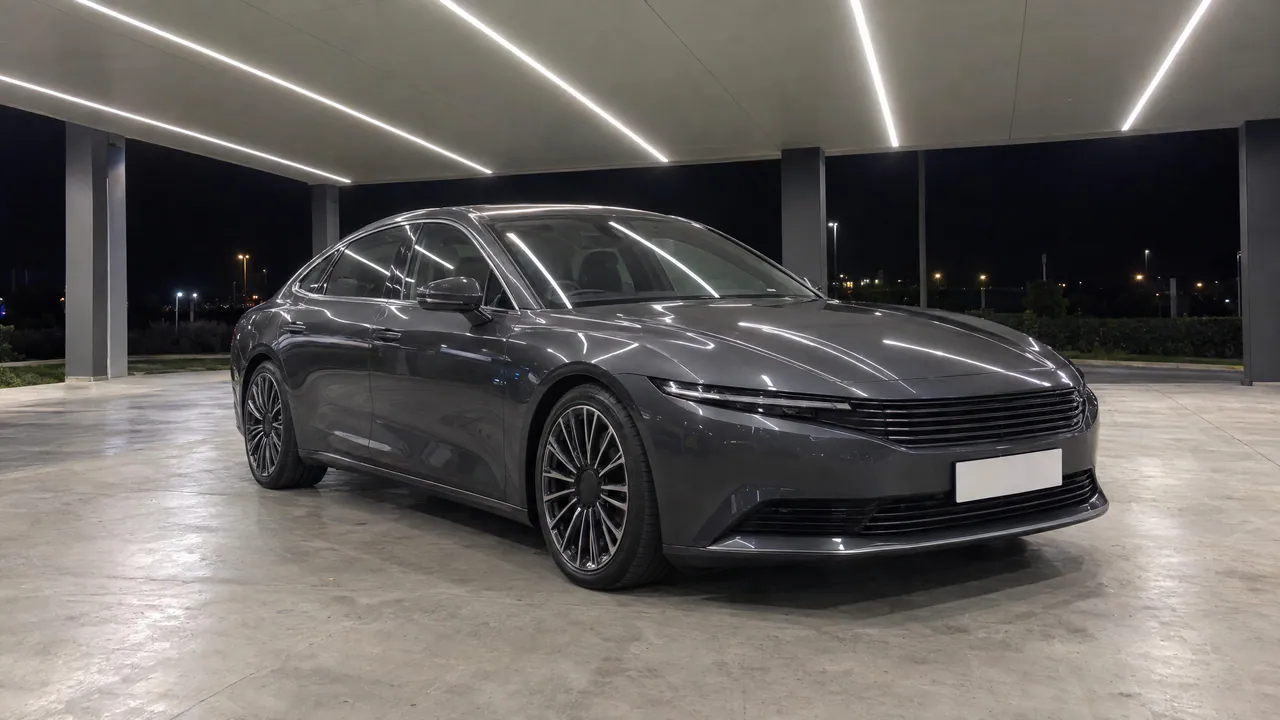
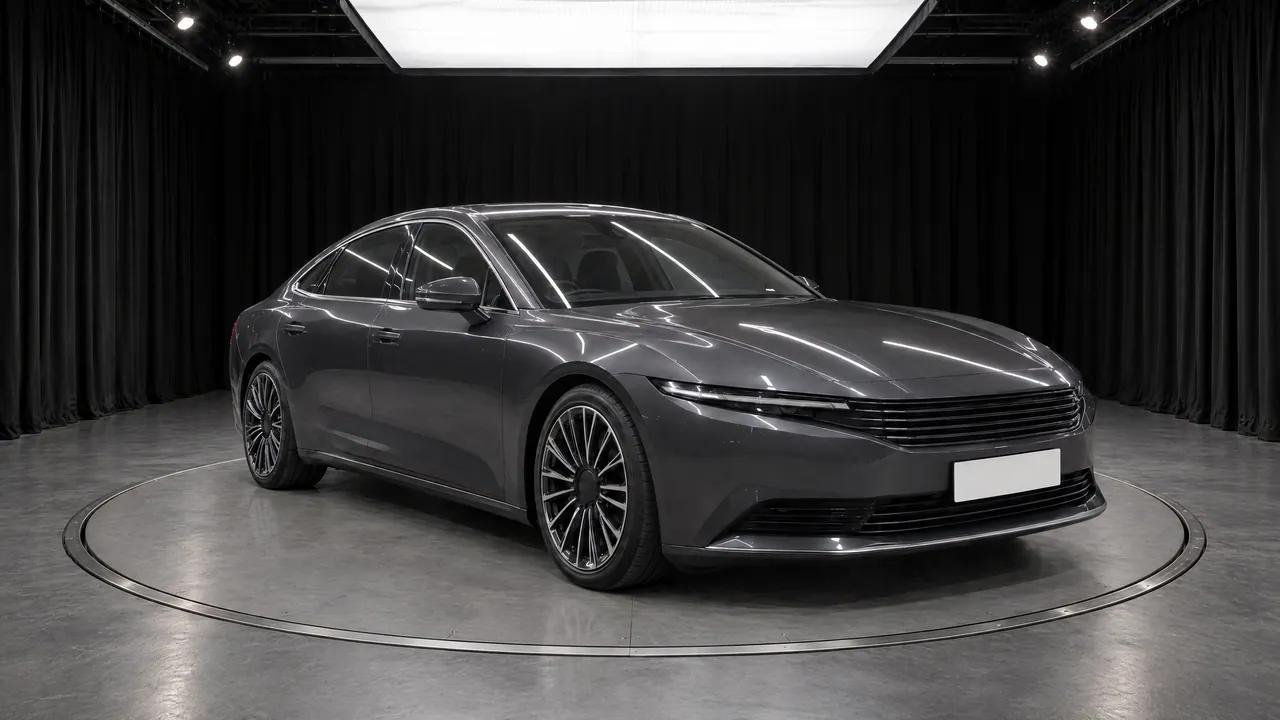
Upload.
- Send each vehicle’s photos and tell us its studio.
- Up to 20 photos per vehicle unless your plan says otherwise, in JPEG, PNG, WebP, HEIC or AVIF, up to 50 MB each.
- We turn each photo upright and remove its location data before processing.
- Tell us the order you photograph your angles in. In the real-photo studio, a photo that does not match its slot is checked by a person before release.
- A person at TunePixel marks which photos are interiors. Interior shots always get the real-photo treatment; exterior shots get the studio you chose.
In a pilot, photos come in as a shared folder link to info@tunepixelstudio.com.
Studio.

AI studio
TunePixel AI makes a studio image from your photo and the empty studio, with fixed and tested instructions. A person checks it against your photo.

Real-photo studio
AI finds the car and cuts it out. We work out the photo’s camera, render a studio for it, and place your car in it unchanged, with a real contact shadow. Built for high-volume lots, auctions and remarketing.
Interiors
A window model we trained ourselves finds the glass. The view through it becomes studio white; the cabin is untouched.
Check.
A person compares every image with your photo before release. A pass releases it. A fail sends it back to be made again or retouched by hand, and then it is checked again. A photo that cannot work is rejected, and you are told.
Deliver.
Your images come back as a ZIP download link by email.
- Every file says how it was made and carries none of your photo’s metadata.
- Not right? Report the photo. It is redone and checked again.
What makes a good photo.
- The whole car in frame, with its wheels visible and nothing cropped.
- The highest resolution you have.
- No extreme wide-angle lens: it is flagged for a person.
- Interiors: photograph from inside the cabin, looking out through the glass.
- Awkward angles and cars cut off by the frame cause most problems.
What we never do.
- Redraw the car in the real-photo studio.
- Deliver an image a person has not passed.
- Hide that an image was made with TunePixel AI.
- Keep a vehicle you ask us to delete.
How long it takes.
Every image waits for a person’s check, so we agree the timing with you before your pilot starts.
The 25-second version.
The film from our ad, with music and a voice-over. Its captions carry every spoken line, and the description under it says what each part shows.

What the film shows
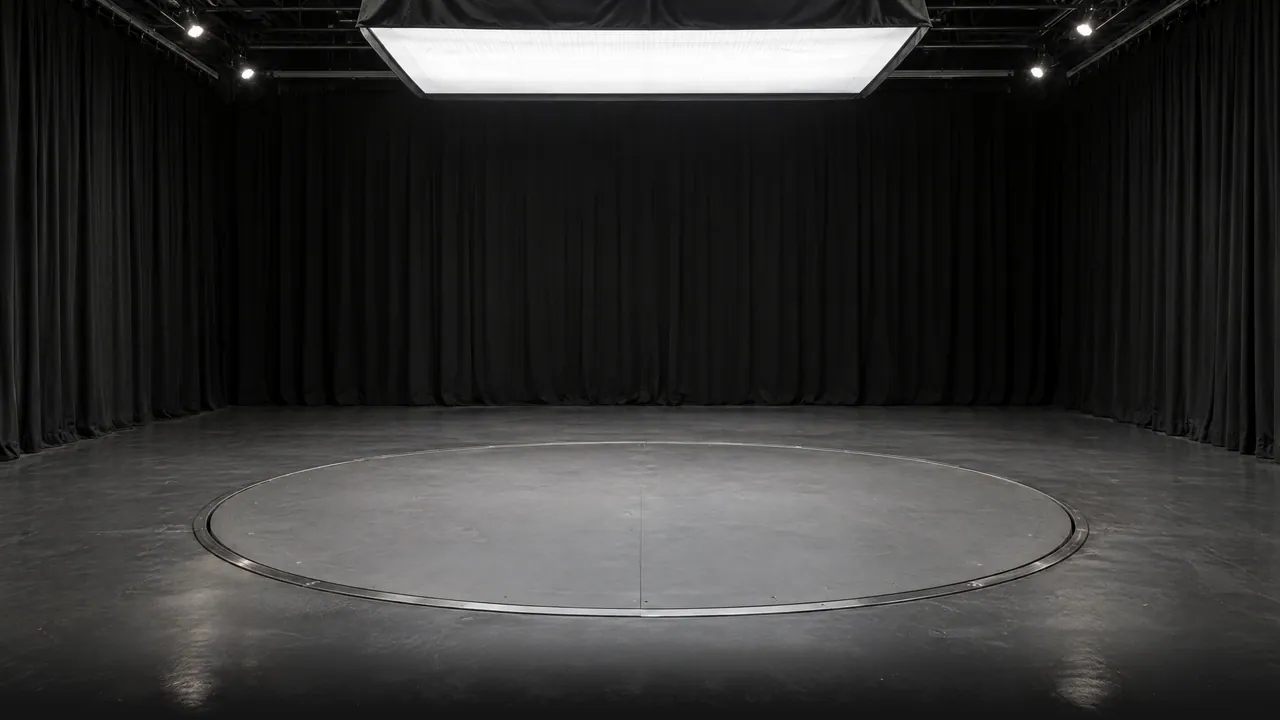
A dark blue SUV drives across a wet, empty car lot under a grey sky, past the words "Great car.", "Ordinary photo." and "It deserves a studio." A wall of white light sweeps across the picture and writes "TunePixel Studio"; behind it the lot becomes a black studio with a softbox overhead, and the SUV drives onto the turntable. The lot photo and the studio image appear one above the other under "Same car.", with the line "Lot photo above. TunePixel AI below." Close-ups follow, the light bar across the front and then a wheel, under "Human eyes. Every image." A fictional red sports car turns on the same turntable ("360° spins."), an aerial view passes over a large lot full of cars ("High volume? A separate engine."), and the SUV returns to the studio. The film ends on the TunePixel Studio logo, which opens like a camera's aperture, above "Start your free pilot." and the line "Fictional cars. AI-made visuals and voice." Over electronic music, a voice says: "TunePixel Studio. From the photos you already take. Your car, in a better light. A person checks each one. Volume dealer? We built another engine. Start your free pilot."
See it on your own cars.
Start your free pilot